5. 링크요소
`figure`/`figcaption`, 이미지맵(`map`/`area`), 네임앵커 등 이미지·앵커 기반 링크 요소를 예제와 함께 다룬다.
Info: 📁 리소스파일 다운로드
1. figure
Info: 👁️🗨️ 삽화나 다이어그램, 사진 등과 같이 문서의 주요 흐름과는 독립적인 콘텐츠를 정의할 때 사용
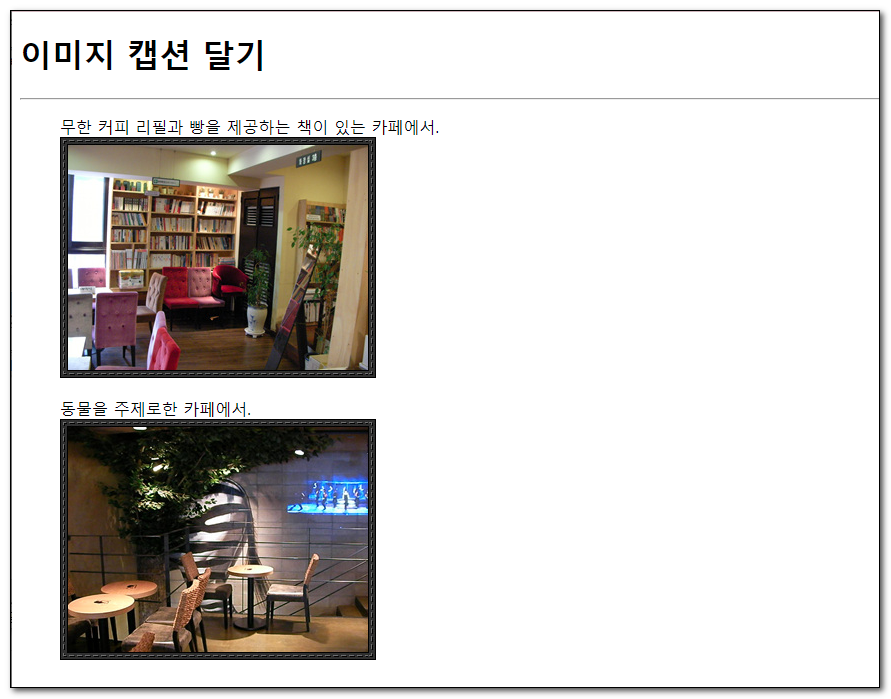
ex1-18-1.html
<!DOCTYPE HTML>
<html>
<head>
	<title> 이미지 캡션 달기 </title>
	<meta charset="UTF-8" />
</head>

<body>
	<header>
		<h1>이미지 캡션 달기</h1>
	</header>
	<hr>
	<section>

		<figure>
			<figcaption>무한 커피 리필과 빵을 제공하는 책이 있는 카페에서. </figcaption>
			<img src="images/cafe1.jpg" width="316" height="241" alt="북 카페" />
		</figure>
		<figure>
			<figcaption>동물을 주제로한 카페에서. </figcaption>
			<img src="images/cafe2.jpg" width="316" height="241"  alt="동물 테마 카페" />
		</figure>
	</section>
</body>
</html>
2. 이미지맵
Info: 👁️🗨️ 이미지 하나에 여러개의 링크걸기
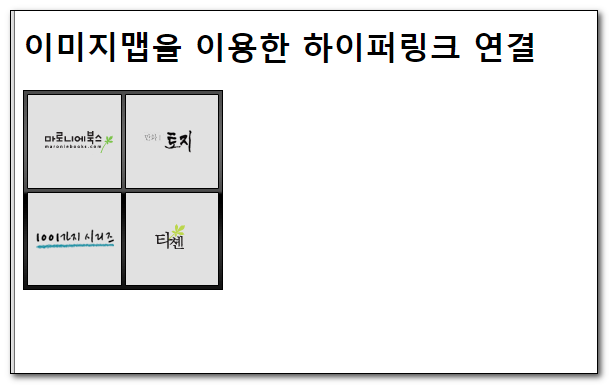
ex1-12-1.html
<!DOCTYPE HTML>
<html>
<head>
	<title> 이미지맵 </title>
	<meta charset="UTF-8" />
</head>

<body>

	<h1>이미지맵을 이용한 하이퍼링크 연결</h1>
	<div>
		<img src="images/banner_map.gif" width="200" height="200" alt="배너" usemap="#bannerImg" />
	</div>
	<map name="bannerImg">
		<area shape="rect" href="http://www.maroniebooks.com" coords="0,0,100,100" alt="마로니에 북스" title="마로니에 북스 http://www.maroniebooks.com" />
		<area shape="rect" href="http://blog.naver.com/ilovetaschen" coords="100,100,200,200" alt="마로니에 북스" title="타센  http://blog.naver.com/ilovetaschen" />
		<area shape="rect" href="http://daum.net" coords="100,0,200,100" target="_blank" alt="다음" title="다음 http://www.daum.net"/>
		<area shape="rect" href="http://google.com" coords="0,100,100,200" target="_blank" alt="구글" title="구글 http://www.google.net"/>
	</map>

</body>
</html>
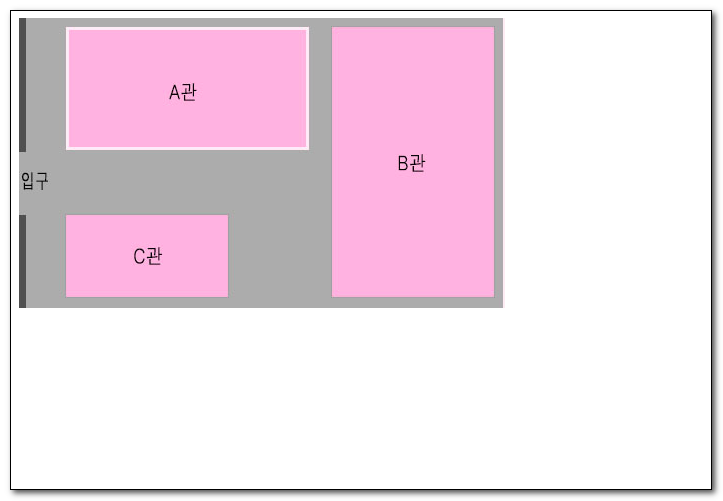
code
<!DOCTYPE html>
<html lang="ko">

<head>
    <meta charset="UTF-8">
    <meta name="viewport" content="width=device-width, initial-scale=1.0">
    <title>Document</title>
    <style>
        body {
            text-align: center;
            padding-top:100px;
        }
    </style>
</head>

<body>
    <img src="./images/usemap.png" alt="map" usemap="#usemap">
    <map name="usemap">
        <area shape="rect" coords="0,0,300,150" href="http://naver.com" alt="">
        <area shape="rect" coords="300,0,600,300" href="http://daum.net" alt="">
        <area shape="rect" coords="0,150,300,300" href="http://google.com" alt="">
    </map>
</body>

</html>
3. 네임앵커
Info: 👁️🗨️ 페이지 내에서 링크 하기
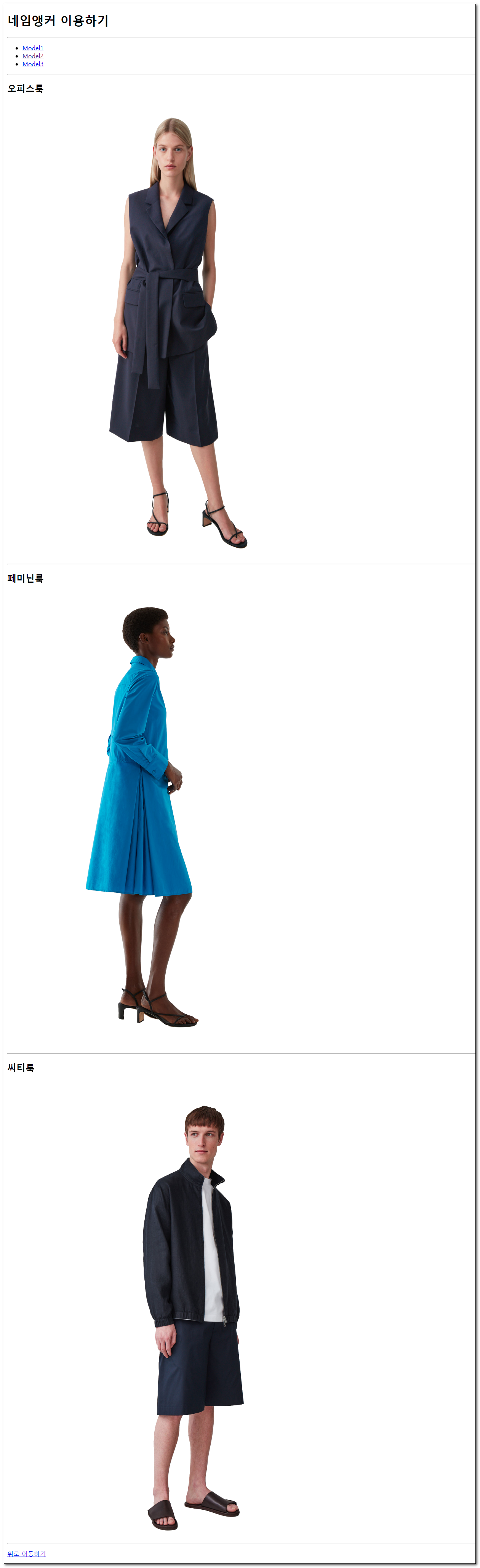
ex1-18-2.html
<!DOCTYPE HTML>
<html>
<head>
	<title> 네임앵커를 이용하기 </title>
	<meta charset="UTF-8" />
</head>

<body>

	<h1>네임앵커 이용하기</h1>
	<hr>
	<ul>
		<li><a href="#Model1">Model1</a></li>
		<li><a href="#Model2">Model2</a></li>
		<li><a href="#Model3">Model3</a></li>
	</ul>
	<hr />
	<h2 id="Model1">오피스룩</h2>
	<img src="images/01.png" width="800" alt="오피스룩" />
	<hr />
	<h2 id="Model2">페미닌룩</h2>
	<img src="images/02.png" width="800" alt="페미닌룩" />
	<hr />
	<h2 id="Model3">씨티룩</h2>
	<img src="images/03.png" width="800" alt="씨티룩" />
	<hr />
	<p><a href="#">위로 이동하기</a></p>
</body>
</html>